
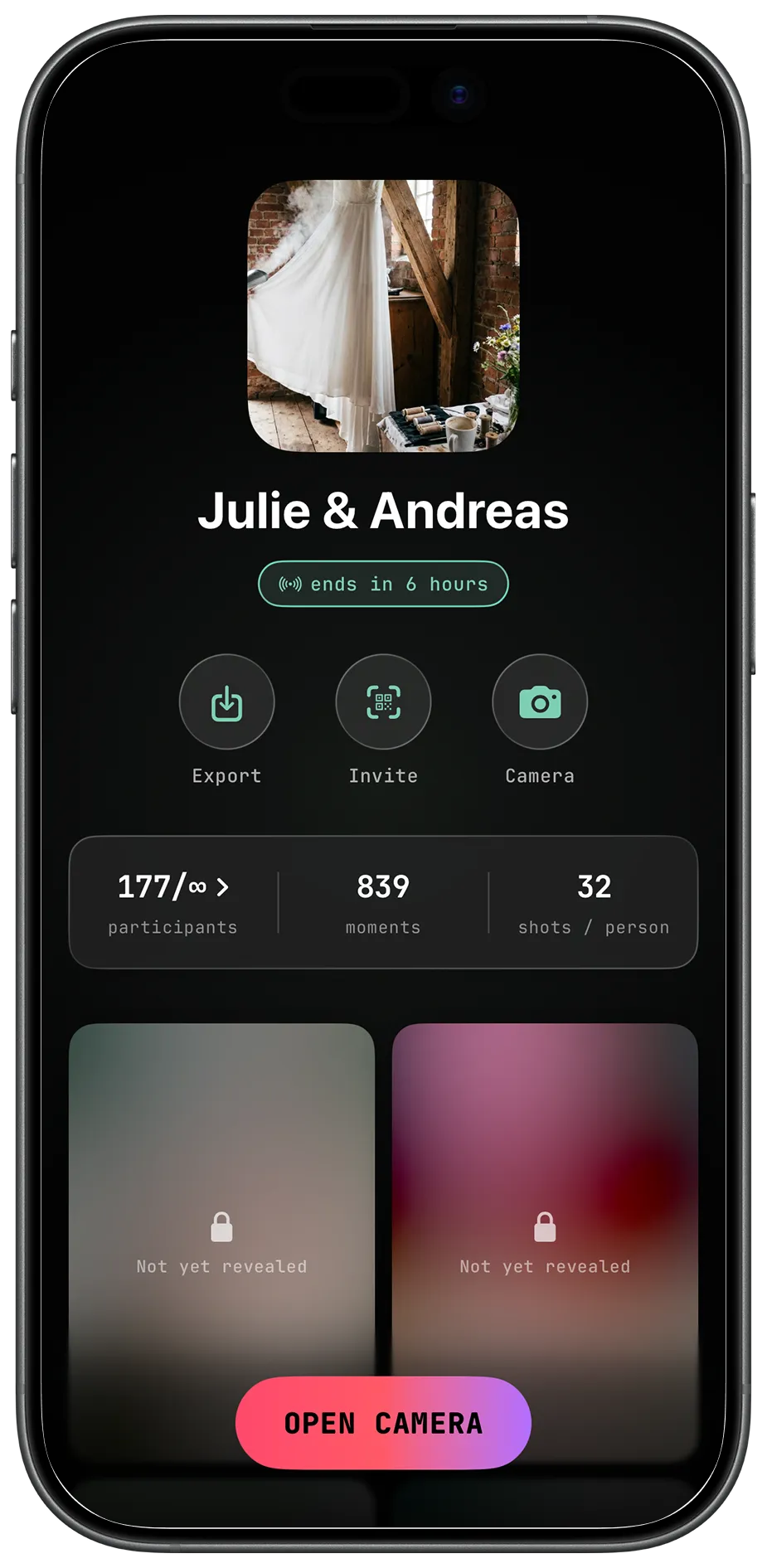
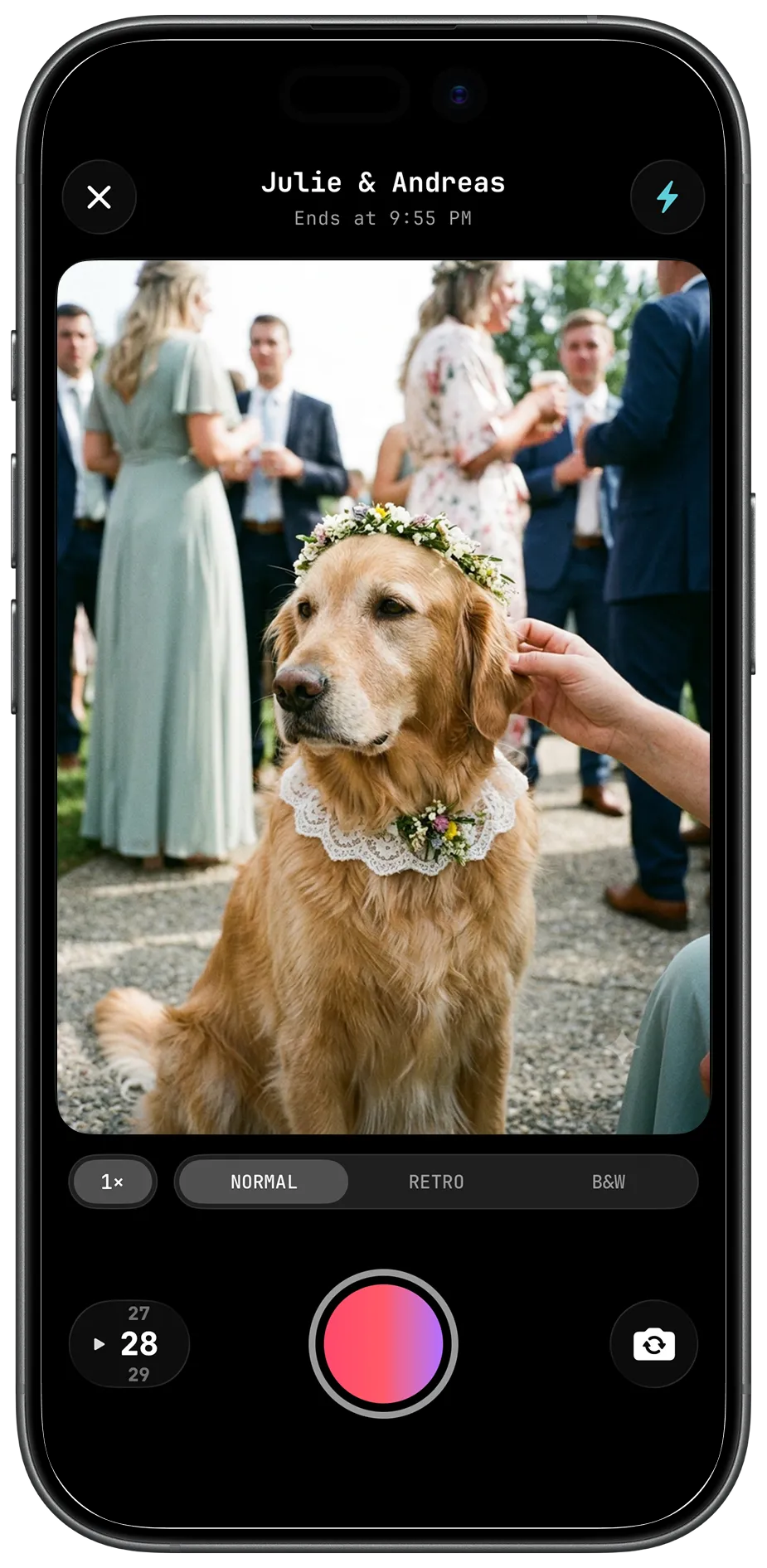
How it works
Three steps. The rest runs itself.
Create the event
Name it, set start and end times, and decide how the roll behaves. It takes about a minute.
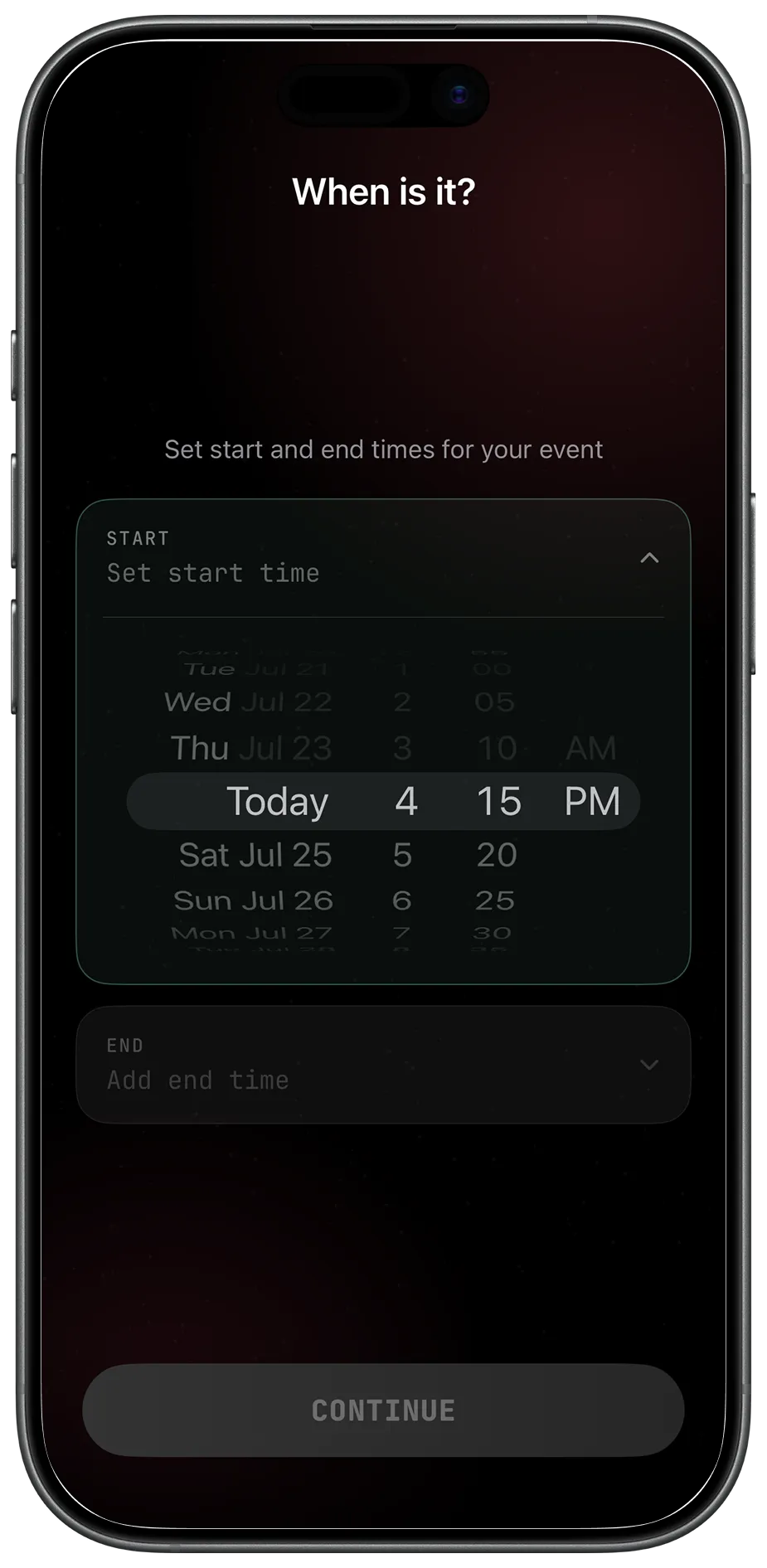
Pick the dates and the hours. Cameras are live from start to end. Tweak it anytime.
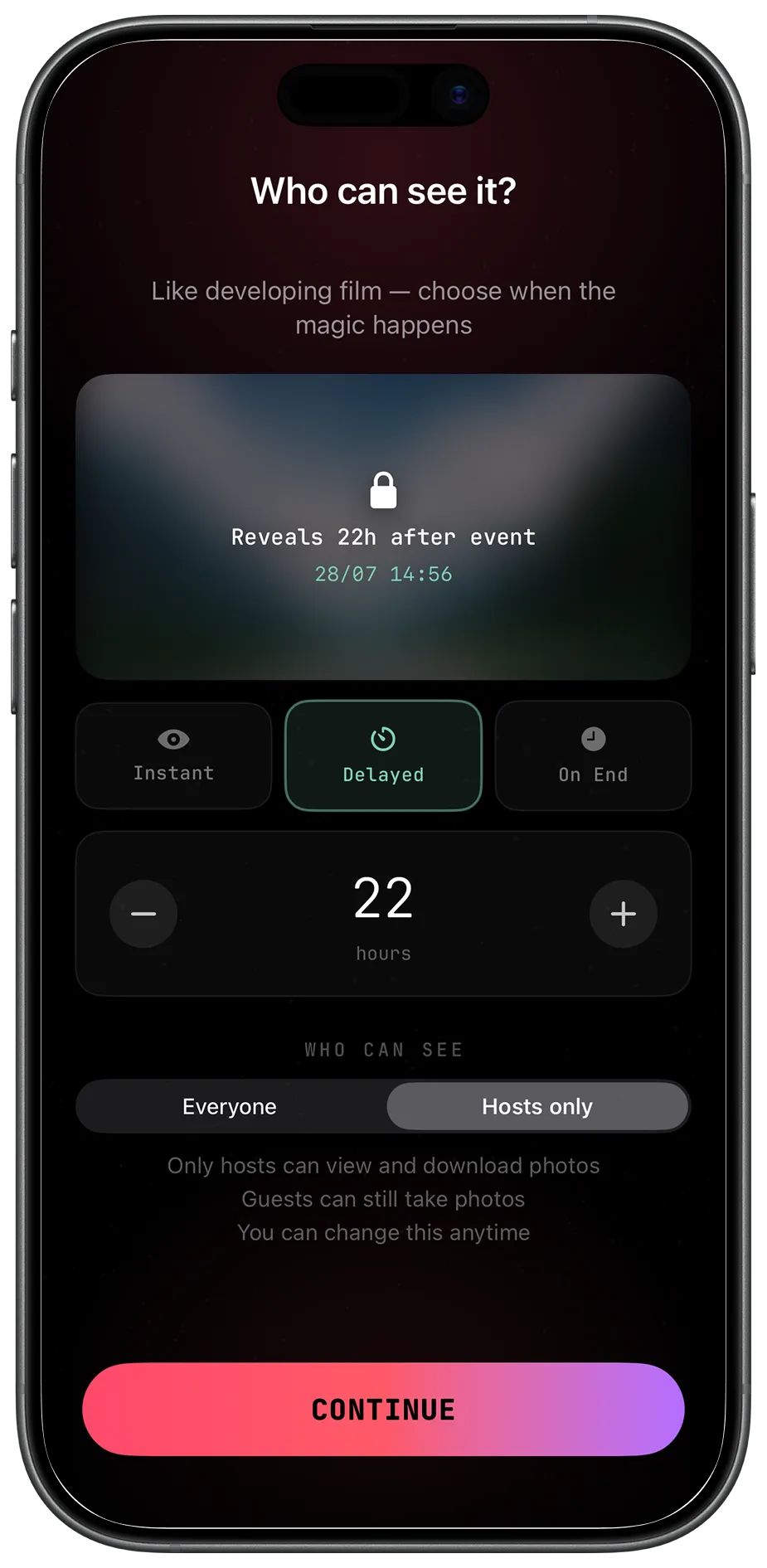
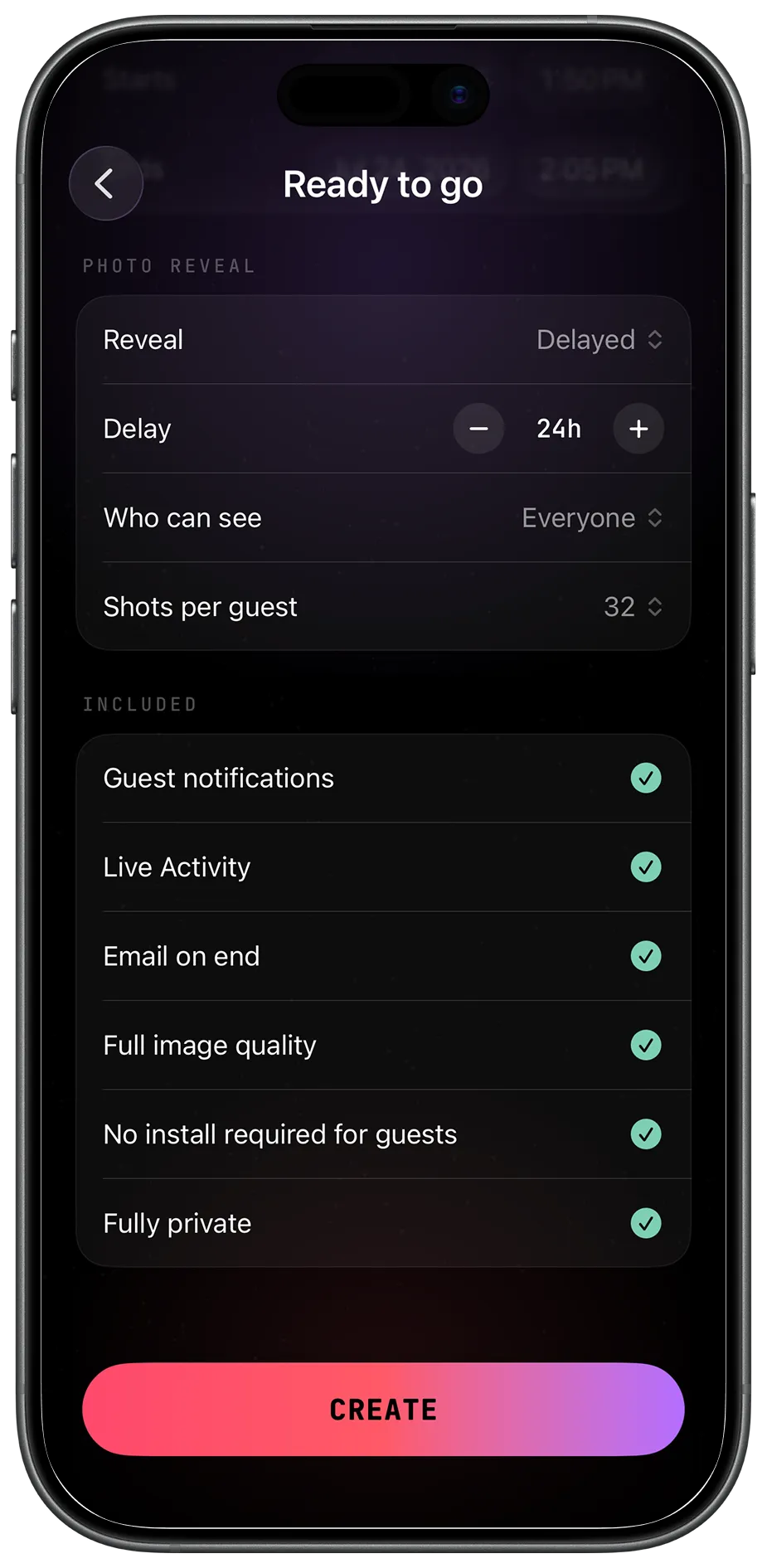
Instant, delayed by hours, or the moment it ends — and whether everyone or only hosts can see.
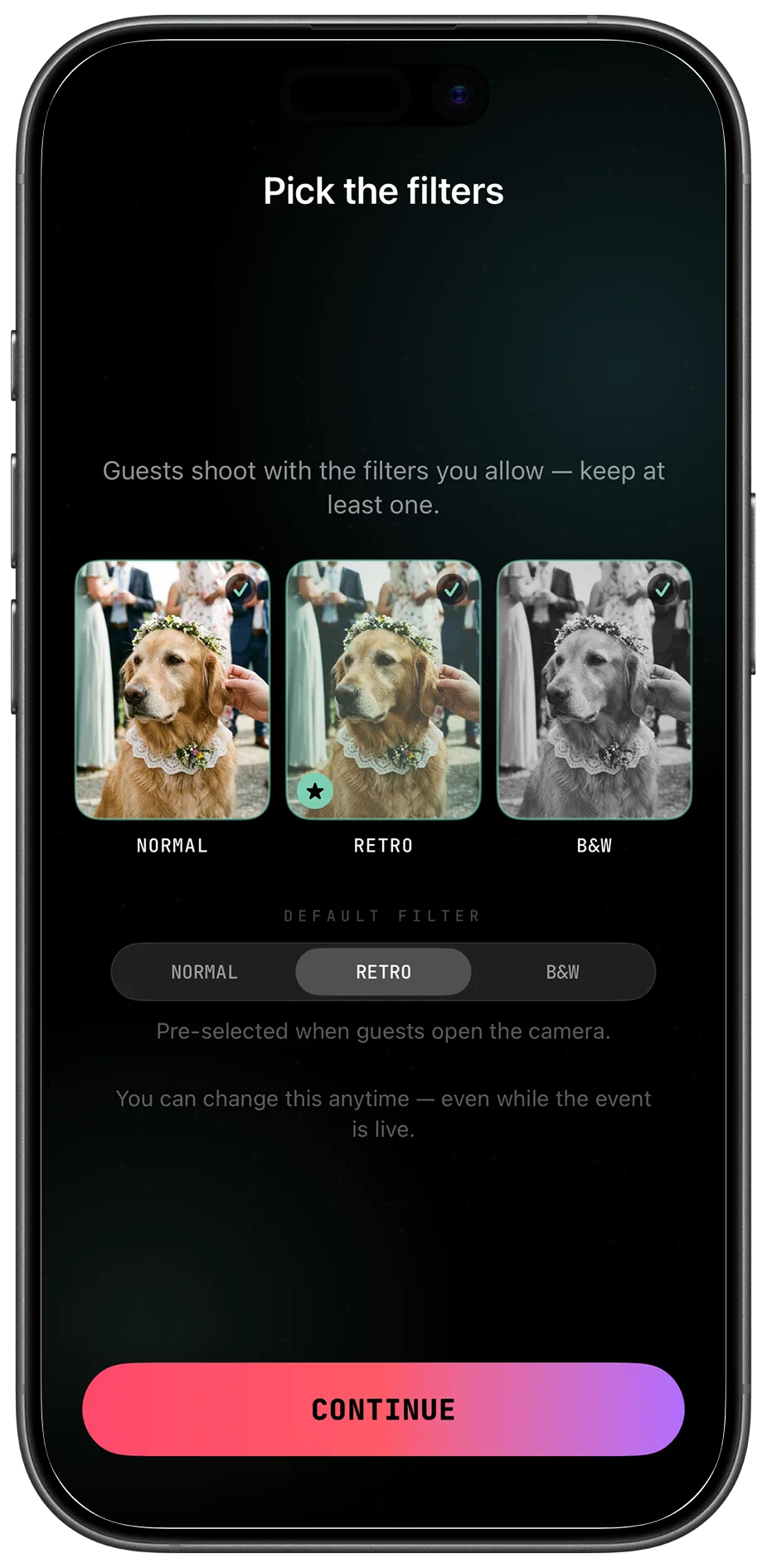
Choose which film looks guests can shoot with. Change it any time, even mid-event.
Hand out the roll
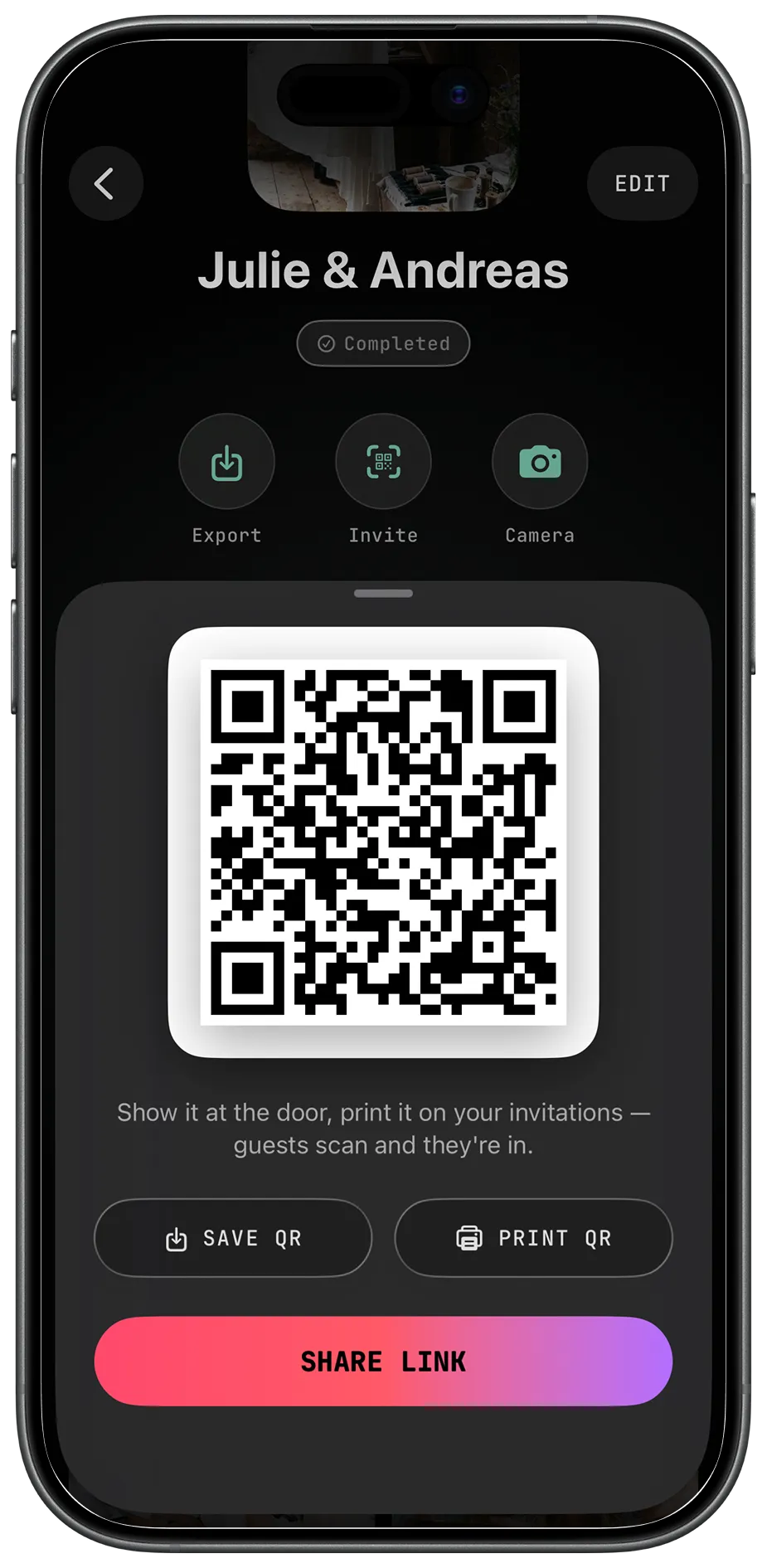
Share a link, or put the QR code on the invitations and at the door. Guests scan it and the camera opens straight away.
- Zero
- downloads for guests. Scanning opens an App Clip straight into the camera.
- No account
- no sign-up, no email. Nothing to explain twice at a party.
- One roll
- guests and hosts shoot the same limited film while the event is live.
Wait for the film to develop
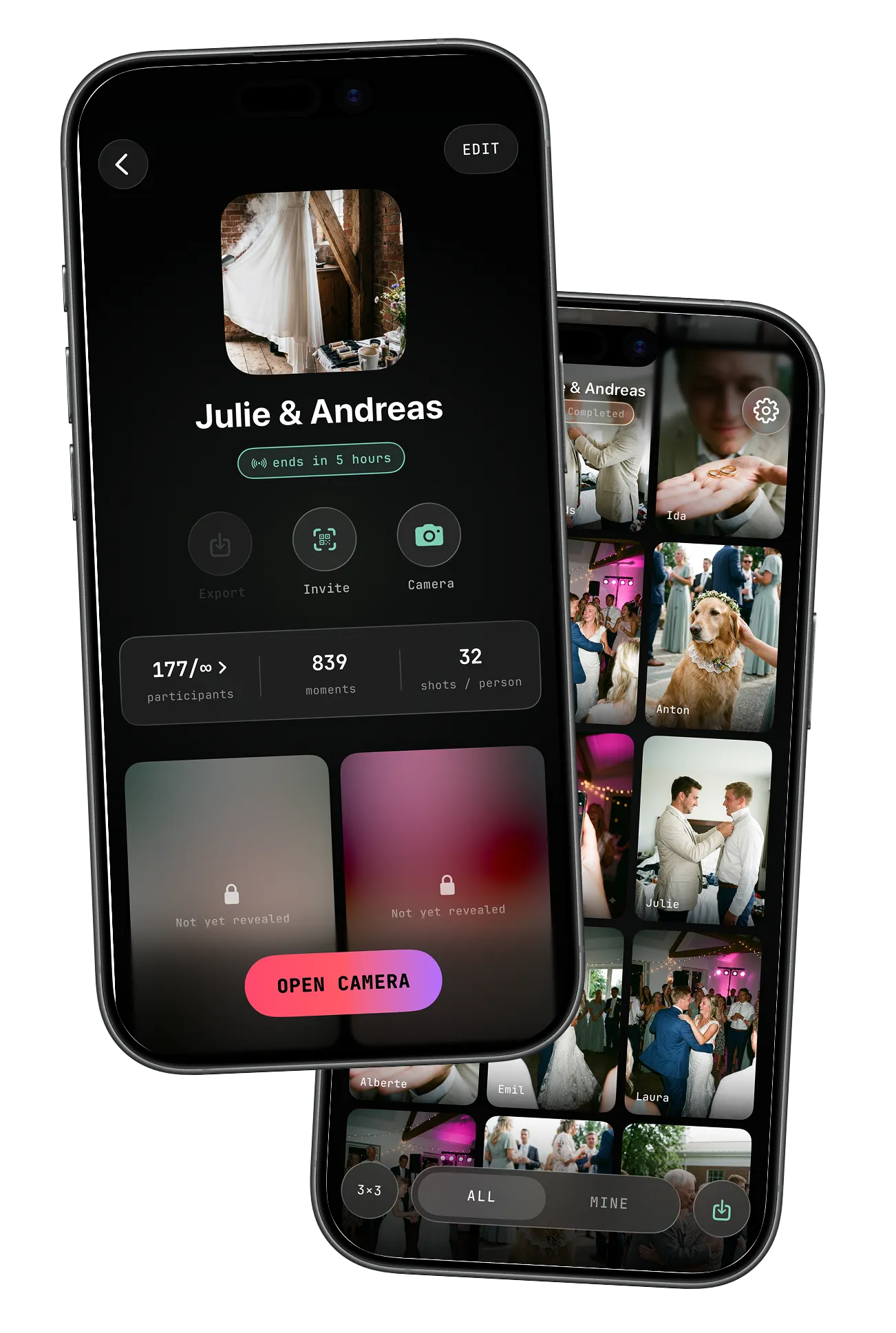
Locked frames stay locked until the reveal. Then the whole roll opens at once.
One night.
One roll of film.
The photographer catches the ceremony.
Your friends catch everything else.
Camera
One tap away
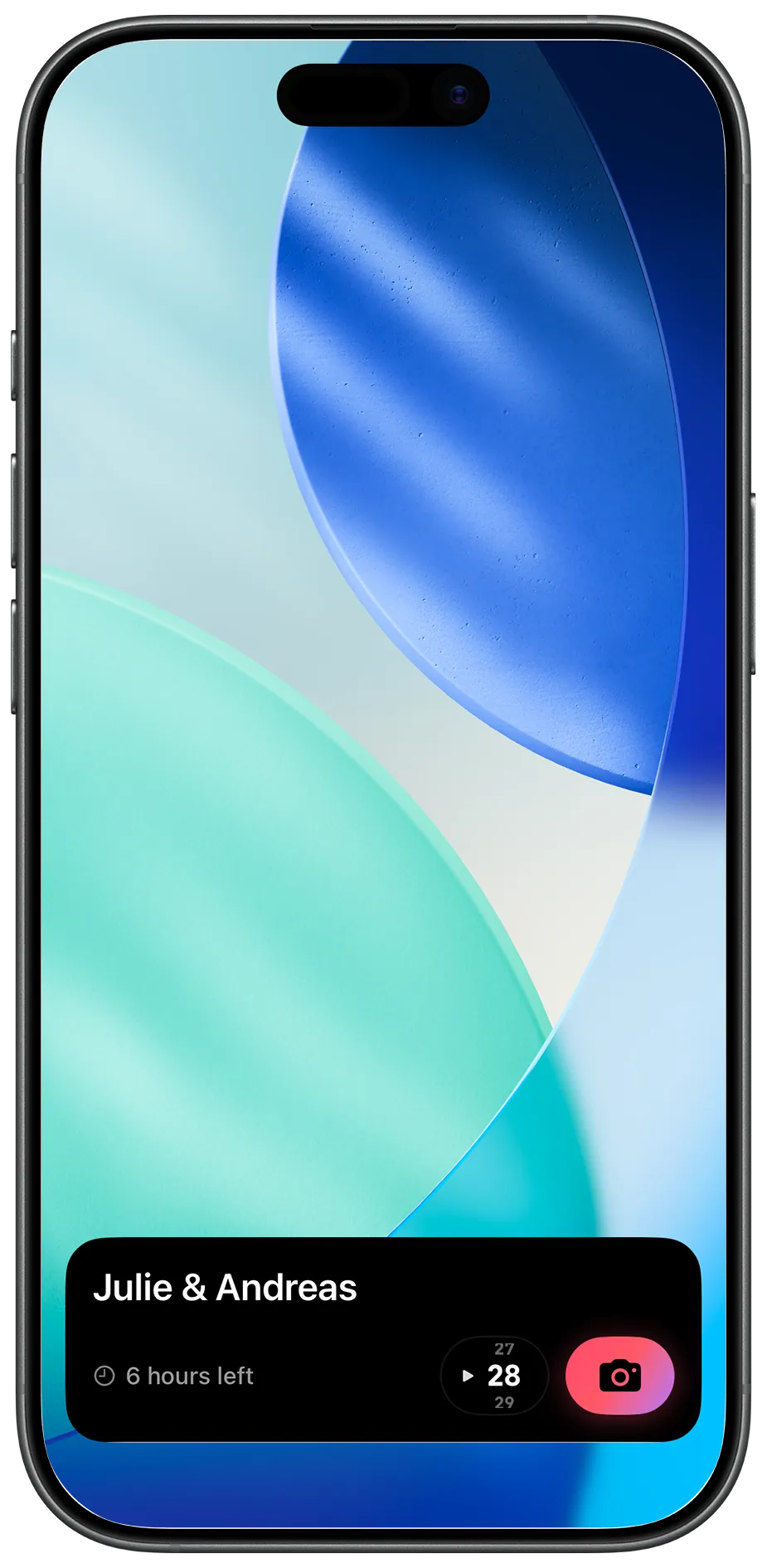
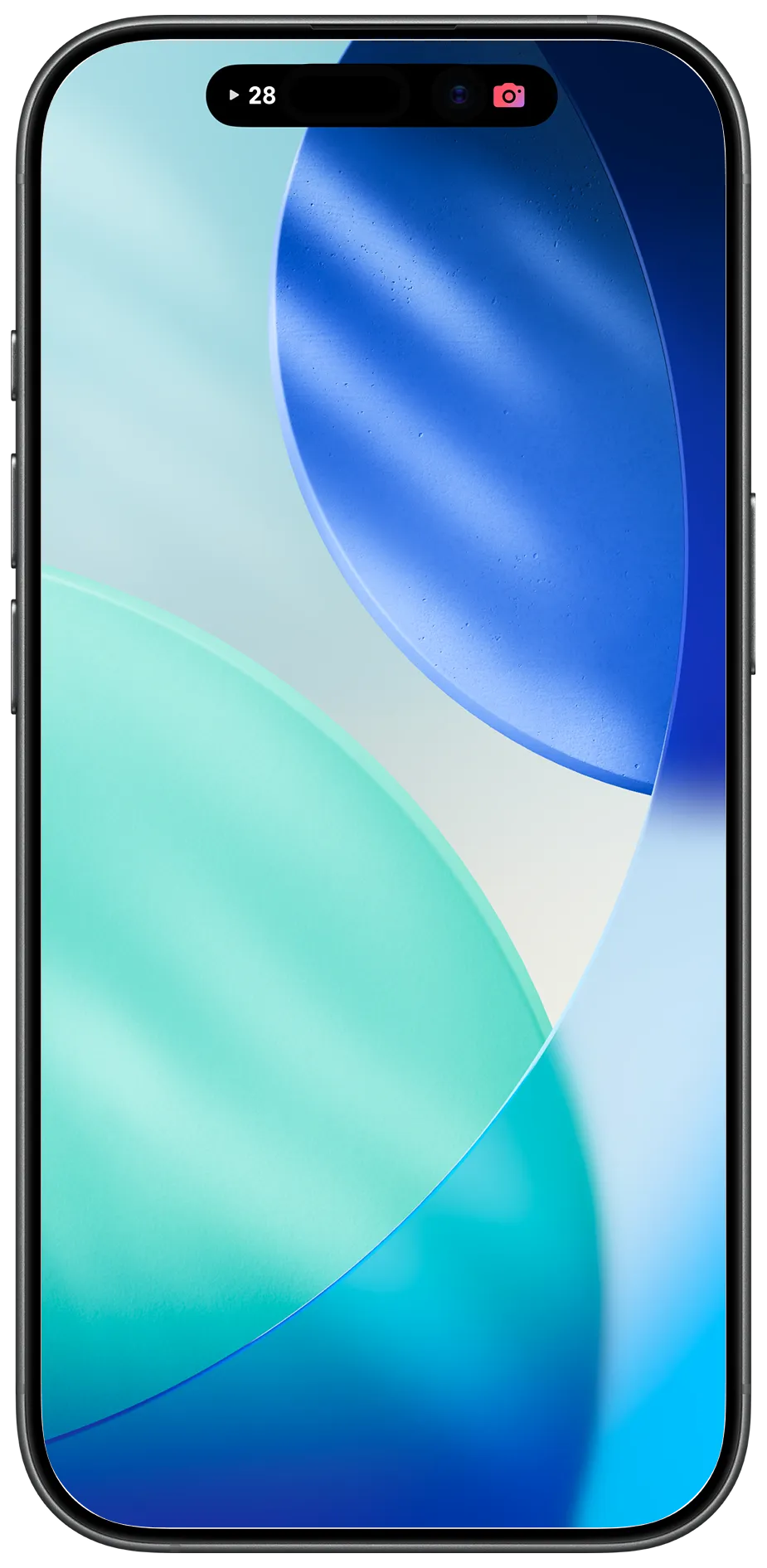
The moment your event goes live, the camera sits on every guest's lock screen — with the shots they have left and the time remaining. Nobody opens an app, nobody asks where the camera went.
- Lock screen
- the event, the countdown and the shutter, always in reach.
- Dynamic Island
- shots left stay visible while you use the phone for anything else.
Beautiful by default, private by design, effortless for everyone.
Full-quality photos
Every shot at its original resolution — no compression, ever.
Private by design
Your events and photos stay yours. You're always in control.
Join in a single tap
Guests scan a QR or open a link and start shooting — no app install, thanks to App Clip.
Made for the moment
A capped roll keeps every photo candid — no do-overs, no endless scrolling.
Three film looks
Normal, Retro and B&W. You choose which ones guests can shoot with.
Emailed when it ends
The complete roll lands in your inbox automatically.
Always in the app
Browse, relive and revisit every shot anytime.
You stay in control
Delete shots or choose exactly what to export.
Use cases
Made for the days worth remembering.
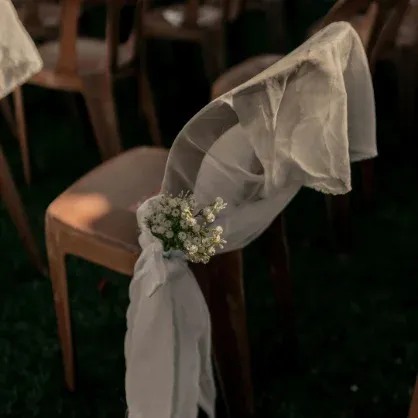
Weddings
The photographer shoots the ceremony. Your guests catch the toasts, the tears and the dance floor at 2am.

Birthdays
Nobody is on their phone editing. Everyone gets a roll, and the whole party shows up in one album.
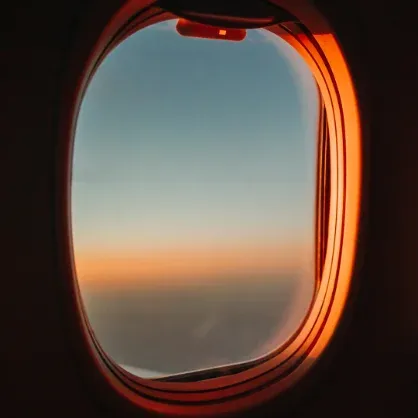
Trips
A week away, one shared roll. No group chat full of duplicates, no one left chasing photos afterwards.

Parties
Set the reveal for the next morning and let the night stay a surprise until everyone has woken up.
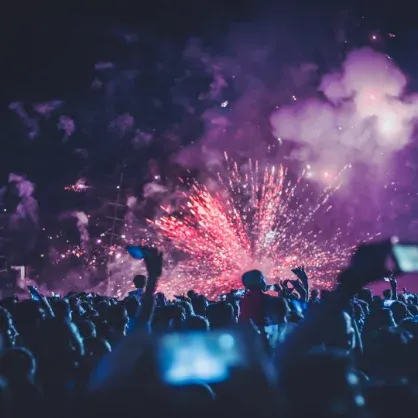
Company events
Conferences, launches and Christmas parties, documented by the people actually in the room.
Just an evening
Dinner, a concert, a Sunday. Not every roll needs an occasion to be worth keeping.
Private by design
You stay in control of the whole roll.
Your events and your photos stay yours. Nothing is public, nothing is sold, and nothing leaves the album unless you send it.
FAQ
Questions, answered.
Do my guests need to download anything?
No. Guests scan the QR code or open the link and the camera opens instantly through an App Clip on iPhone. Only the host needs the app.
When do the photos appear?
You choose. Instantly as they are taken, delayed by a set number of hours, or the moment the event ends.
How many photos does each guest get?
You set the cap when you create the event, or leave it unlimited. A limited roll is what makes people aim before they shoot.
Can I remove a photo?
Yes. As host you can review the album at any point and delete anything, and you pick exactly what goes into the export.
Who can see the album?
Everyone at the event, or hosts only. You can switch between the two whenever you like, before or after the night.
Do I get the photos in full quality?
Yes. Every shot is stored and exported at its original resolution. Nothing is compressed.
What happens when the event ends?
The album unlocks, the full roll is emailed to you, and everything stays in the app so you can revisit it later.